


















Simple API Integration for Apps | LastApp.AI API Integration Services: Connect Any App | LastApp.ai
LastApp Logo

Integrations

Modern apps use a wide array of APIs and external services for features such as AI photo editing, speech recognition, text-to-speech, audio processing, intelligent text etc.
LastApp.ai's API integration service enables App builders to use pre-built integrations like Connectors or to set up integrations with their own credentials, thus enabling them to build the App they imagined.
Don’t spend hours researching available APIs, writing integration code, repeating setup steps and connecting services by hand. Focus on what you want the integration to do within your app instead.
LastApp detects the App functionality and automatically determines the types of API integrations required.

View All
Image To Image
Multiple Image
Prompt Image
Audio To Audio
Speech To Speech
Speech To Text
Text To Speech
Text To Audio
Text To Text

Image To Image

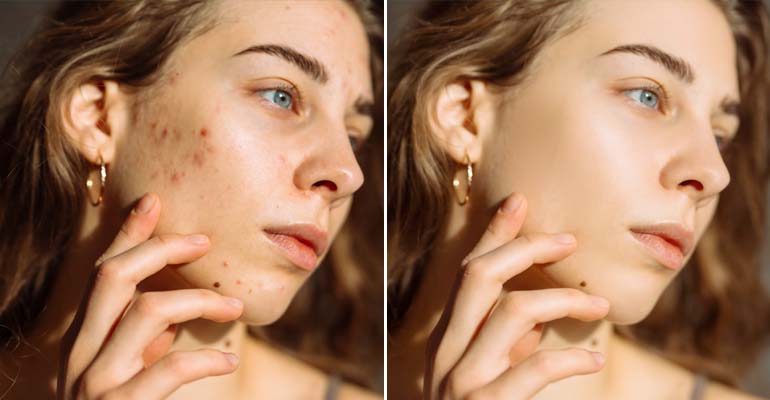
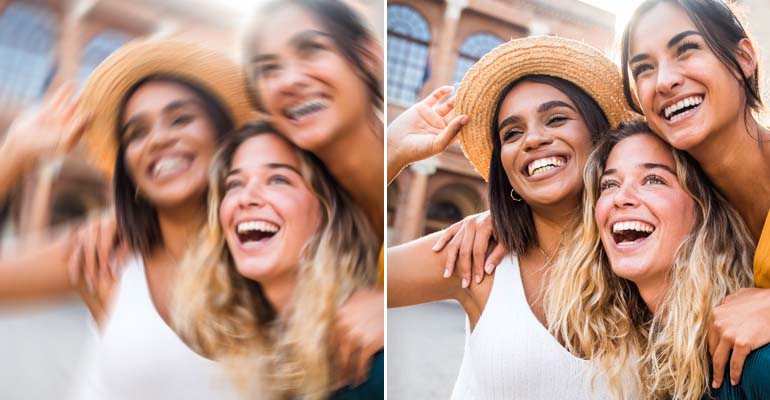
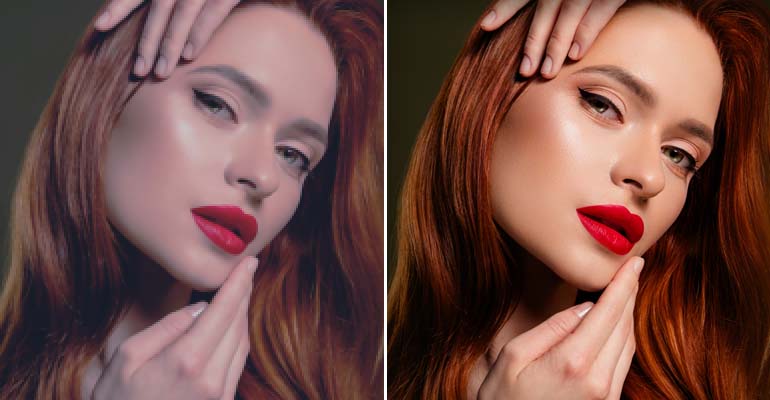
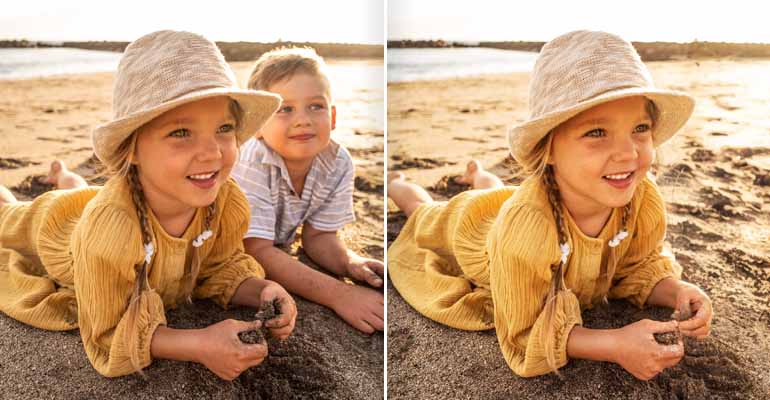
Image Processing & Enhancement: You can add features like image upscaling; removing backgrounds; replacing backgrounds; restoring photos; detecting objects; removing objects; correcting colors; enhancing portraits; converting images to SVG; and many other types of image processing. These APIs will be useful in e-commerce, photography, creative tools, social apps, marketplaces, real estate, creating content, etc.

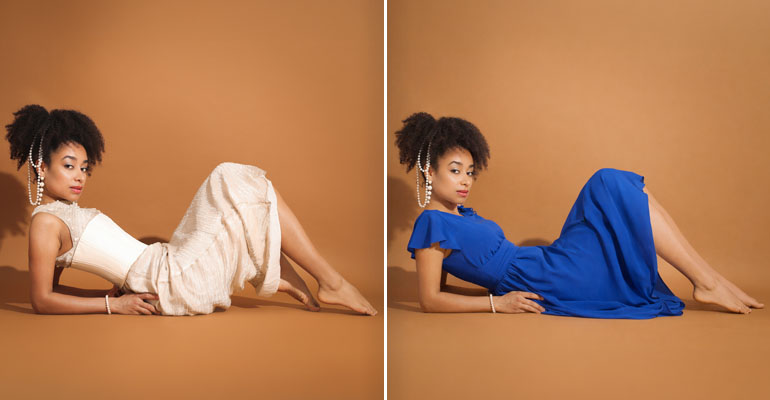
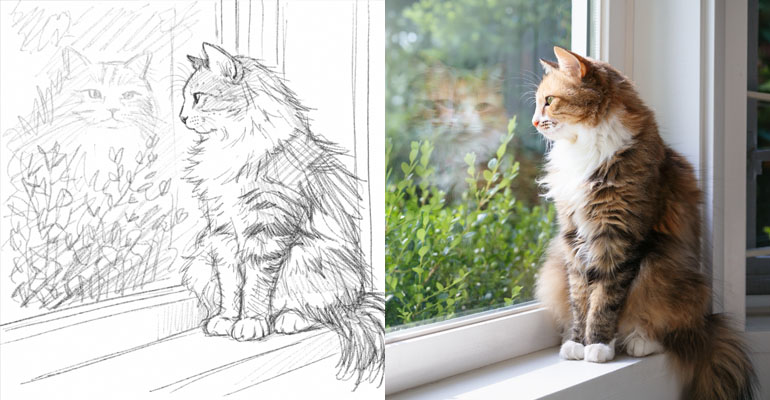
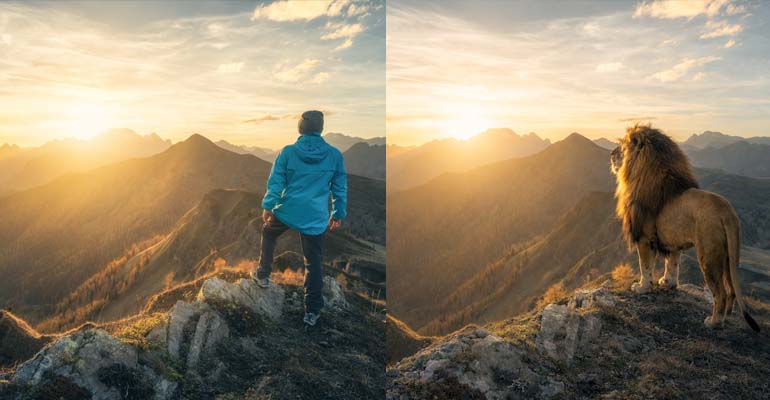
AI Image Editing: Users can use natural language to tell an application what they want done to an image with prompt based image integrations. Examples of features that can be supported include: removing objects; changing scenes; maintaining consistency of characters; relighting; transforming images; changing styles; and other generative image experiences.

Image Upscaling

Image Upscaling

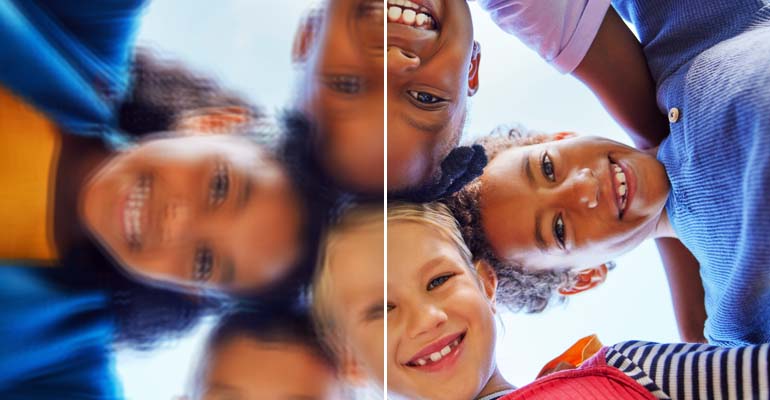
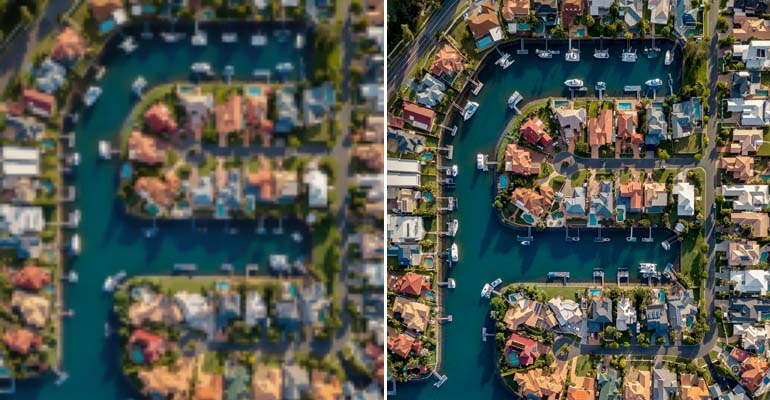
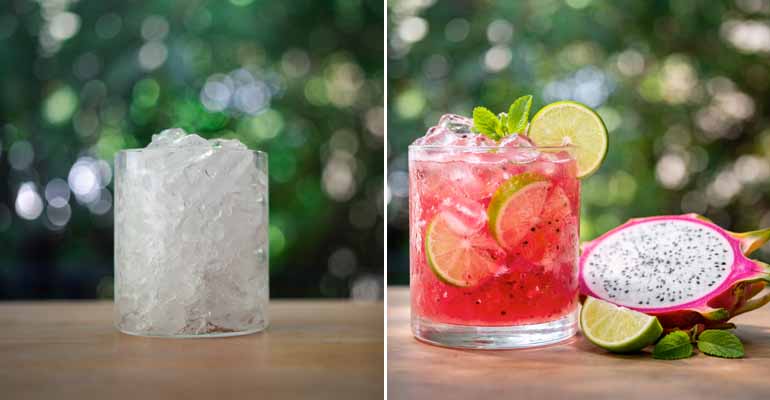
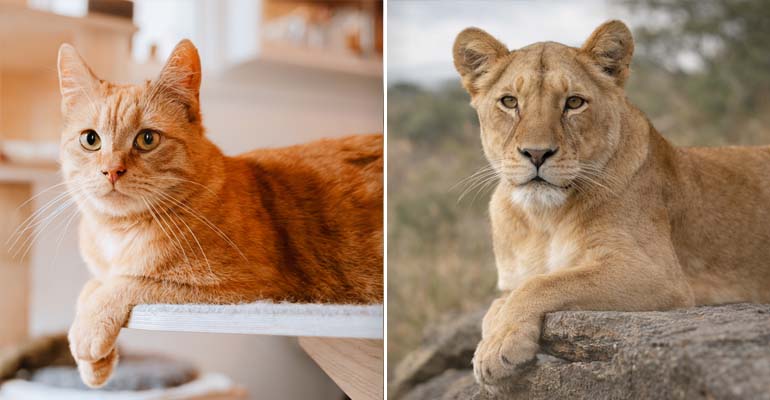
Enhance image resolution up to 4x.

Learn more
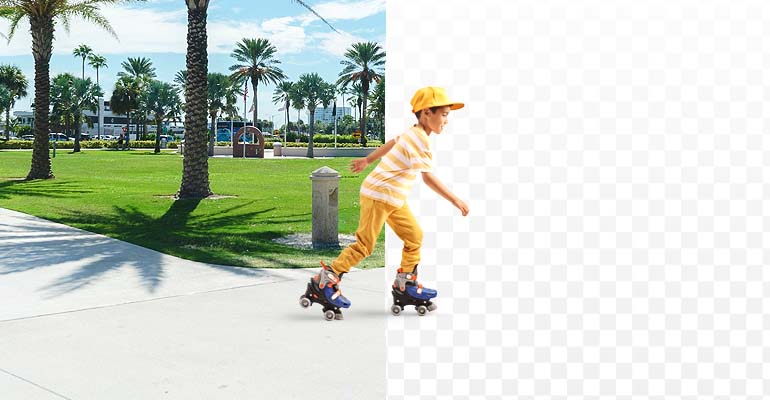
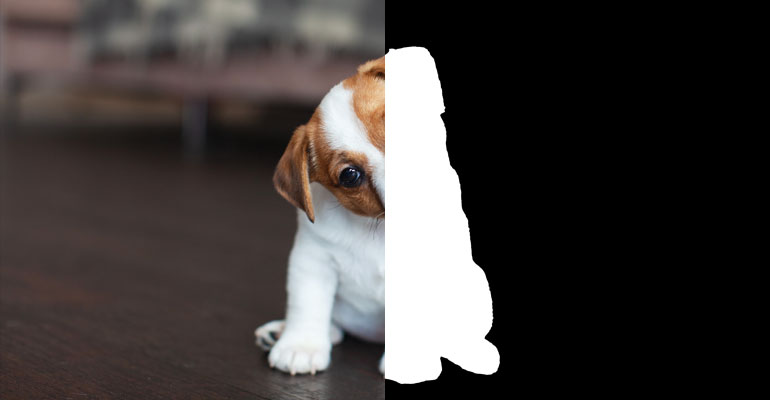
Background Removal

Background Removal

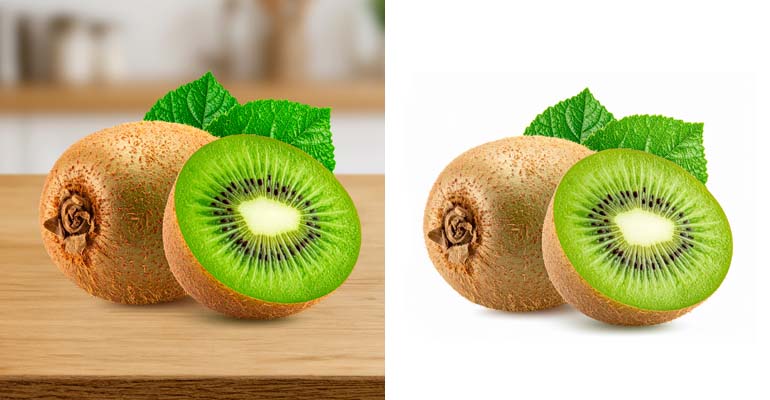
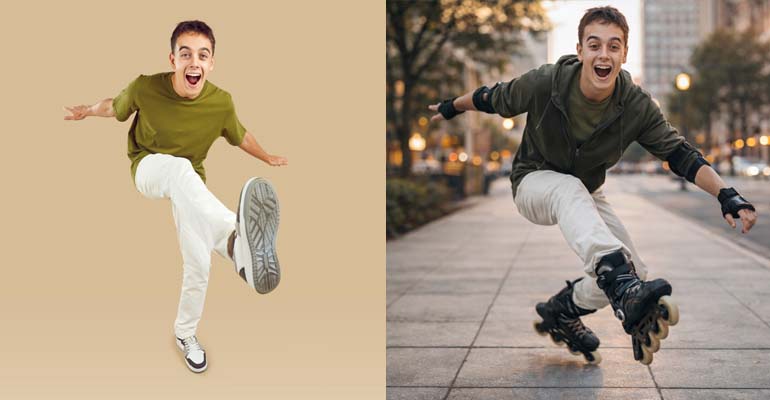
Remove backgrounds with precision.

Learn more
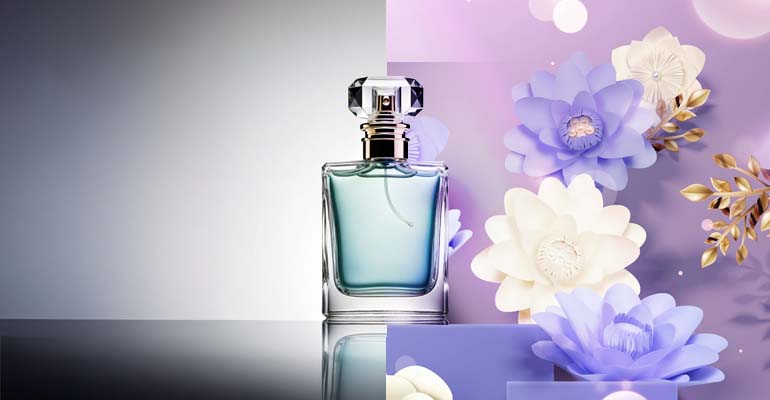
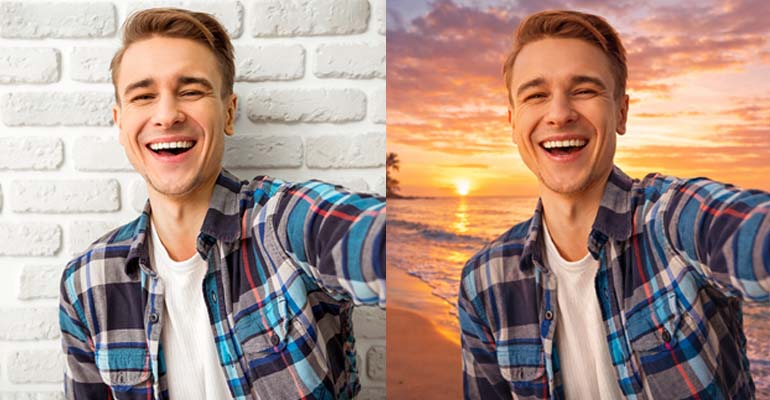
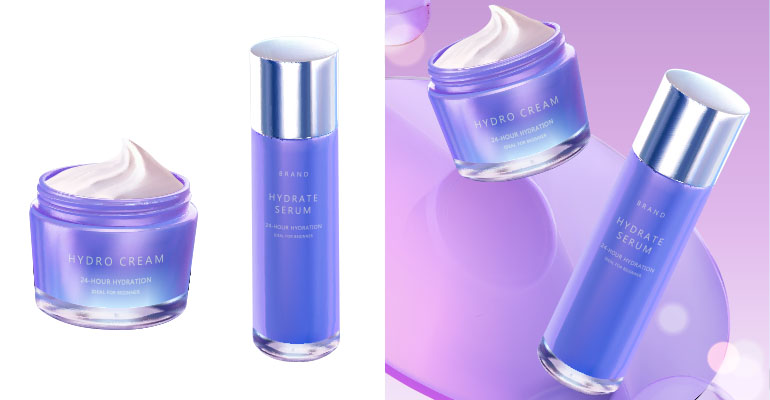
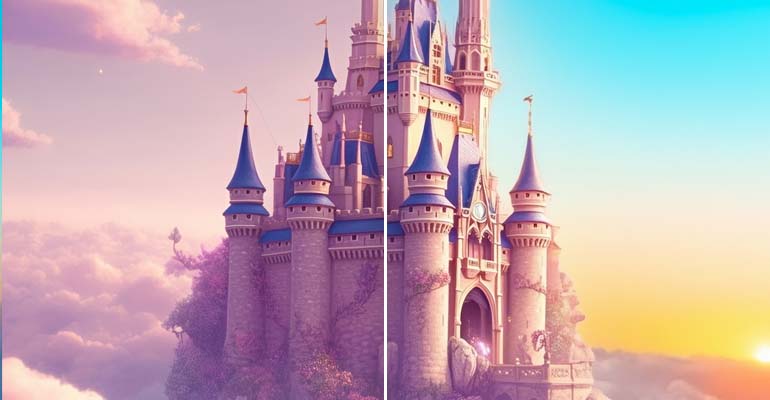
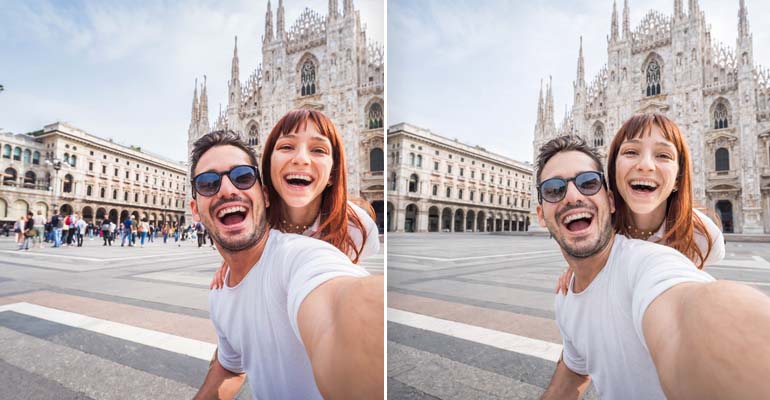
Background Replace

Background Replace

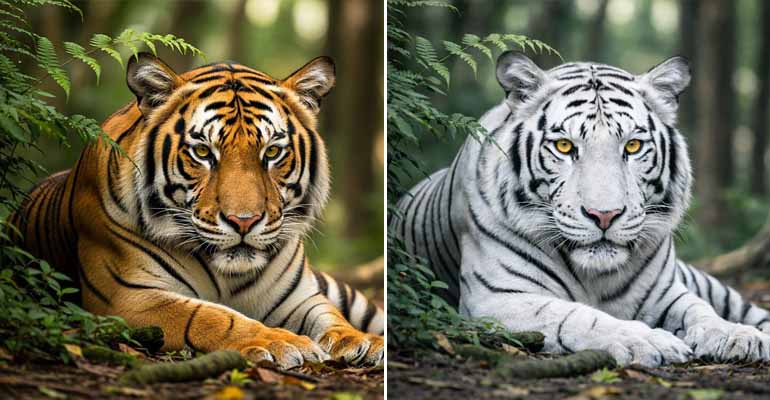
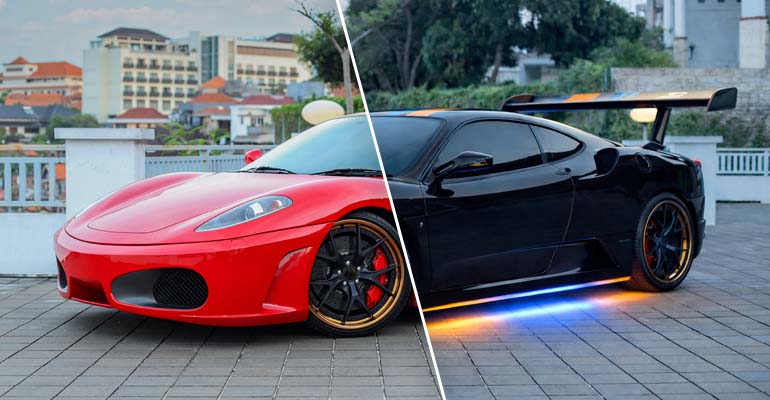
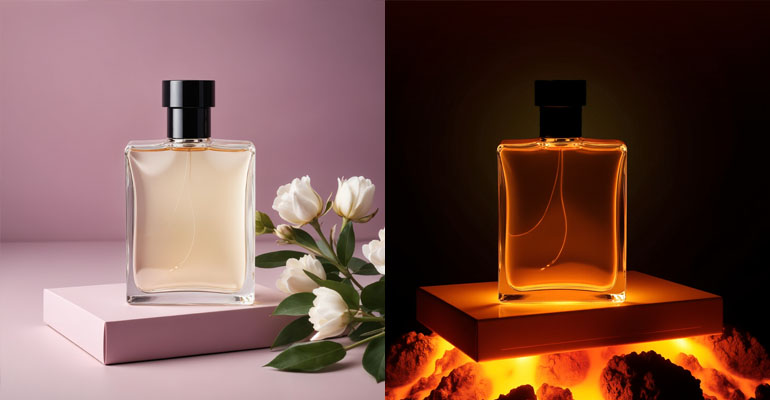
Place products in new scenes.

Learn more
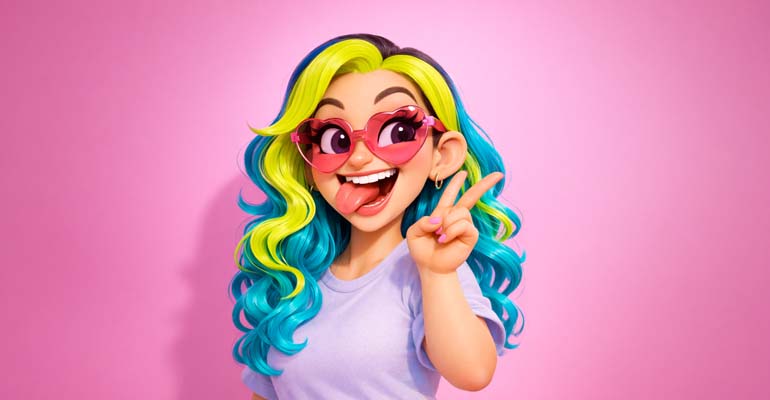
3D Cartoonify

3D Cartoonify

Transform photos into 3D cartoons.

Learn more
Facial Restoration

Facial Restoration

Restore old and damaged faces.

Learn more
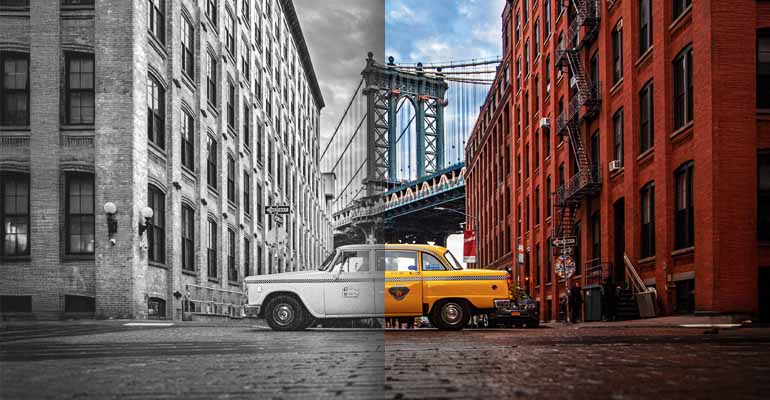
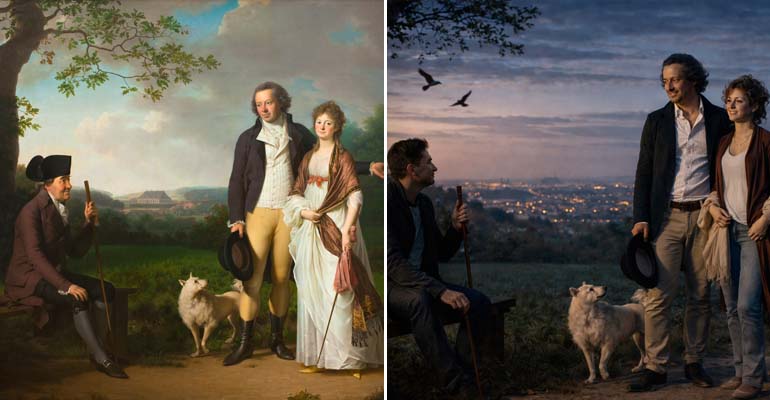
Black and White Colorization

Black and White Colorization

Add color to black-and-white photos.

Learn more
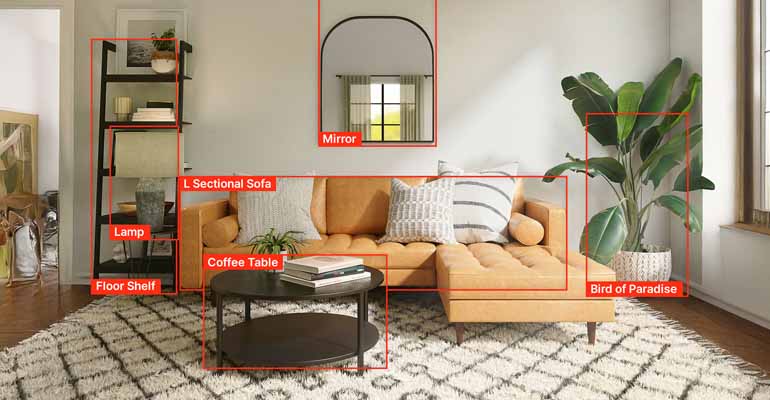
Image Analysis/Object Detection

Image Analysis/Object Detection

Detect and label objects in images.

Learn more
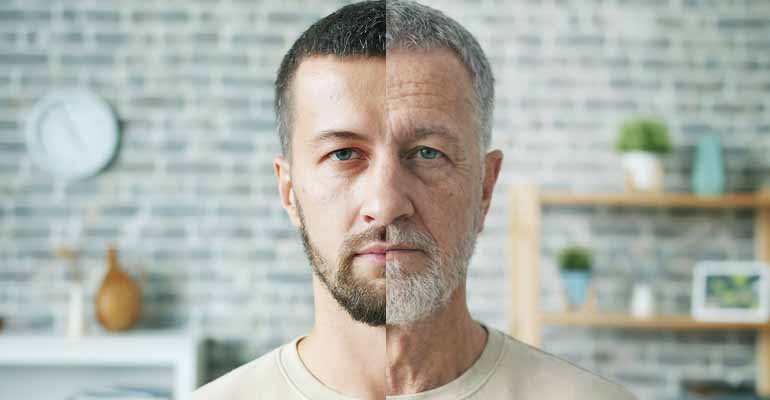
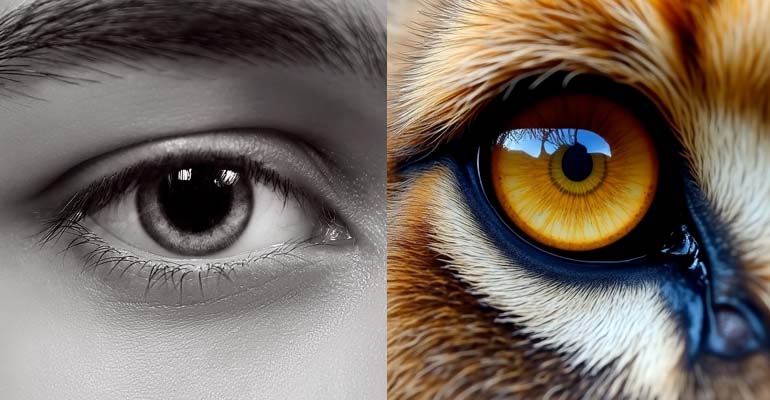
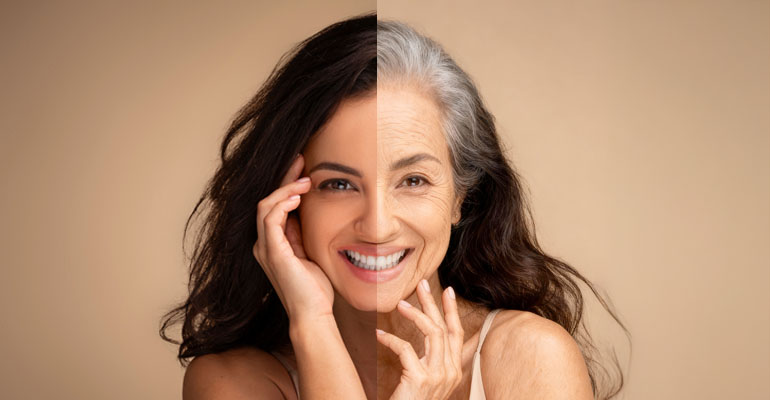
Age Progression

Age Progression

Show aging or de-aging effects.

Learn more
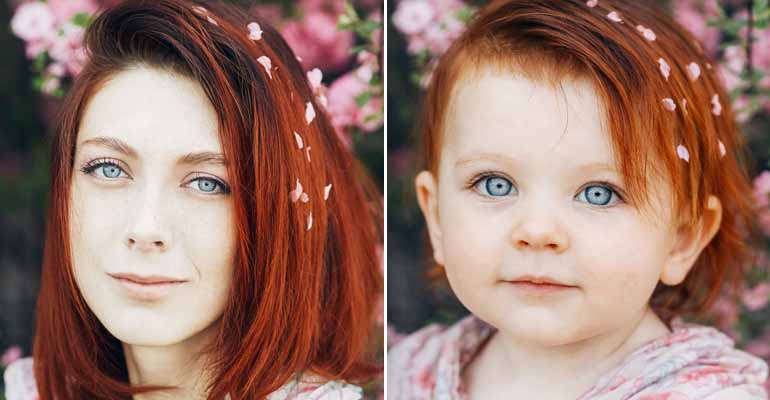
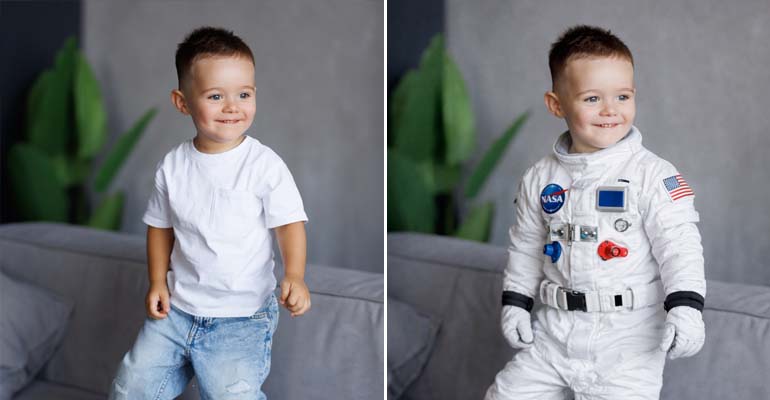
Baby Transformation

Baby Transformation

Transform adults into babies.

Learn more
Background Replace Portrait

Background Replace (Portrait)

Replace portrait backgrounds instantly.

Learn more
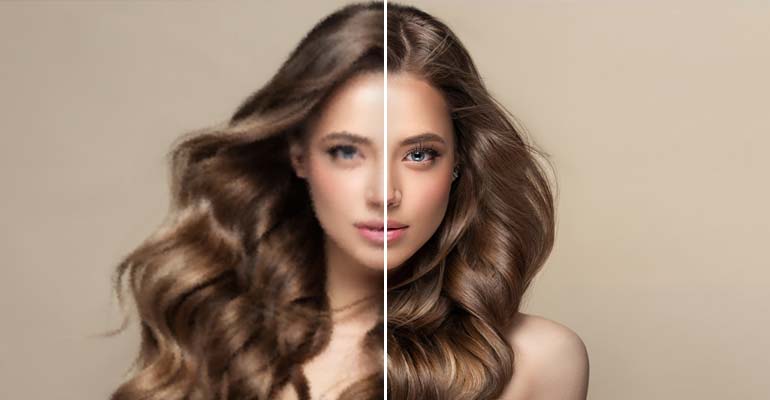
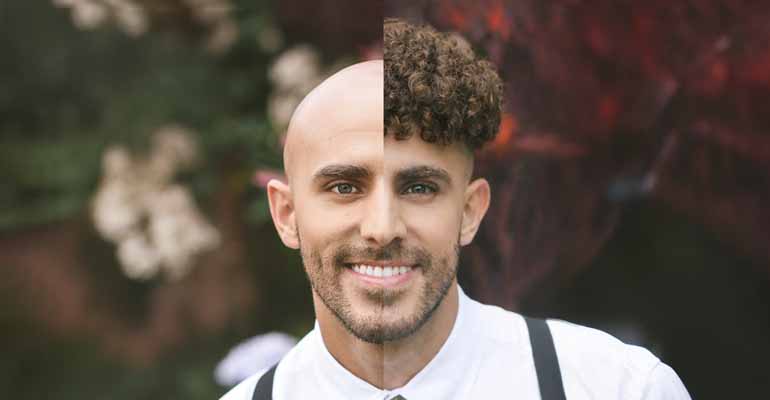
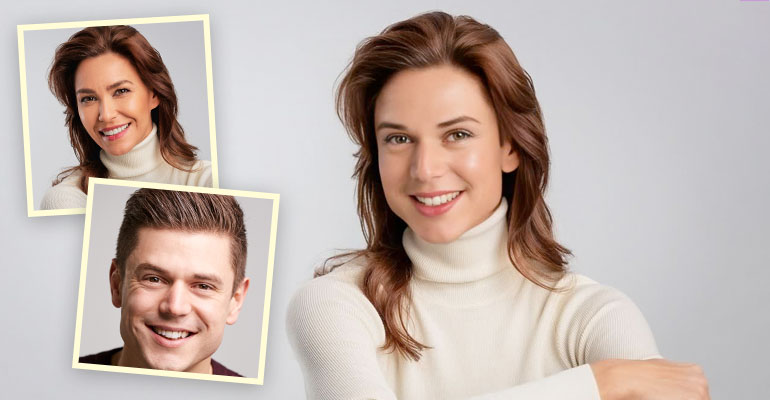
Broccoli Haircut

Broccoli Haircut

Apply viral Zoomer Perm hairstyle.

Learn more
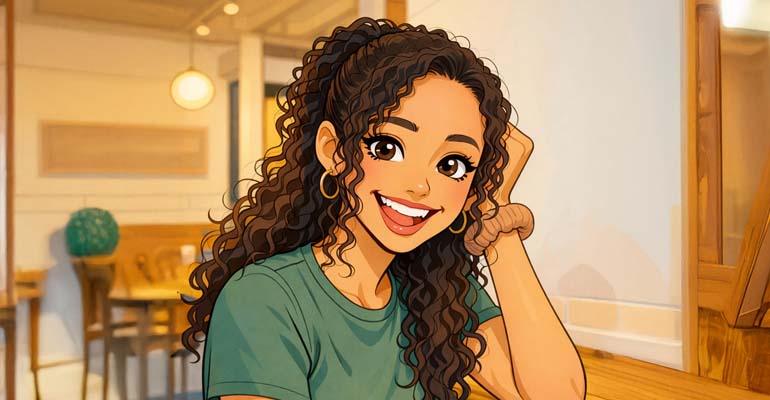
2D Cartoonify

2D Cartoonify

Create colorful cartoon illustrations.

Learn more
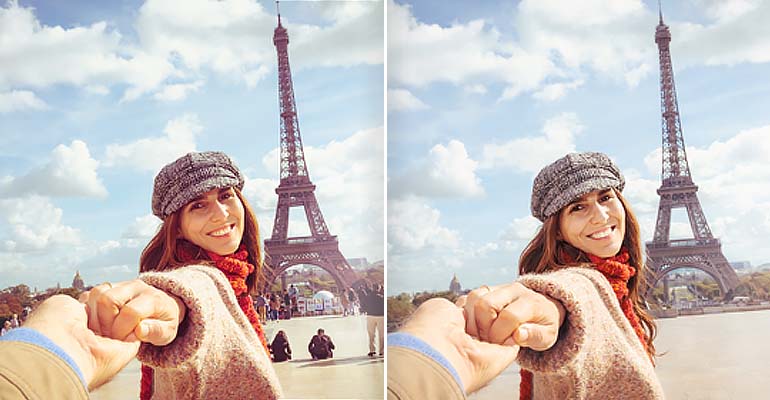
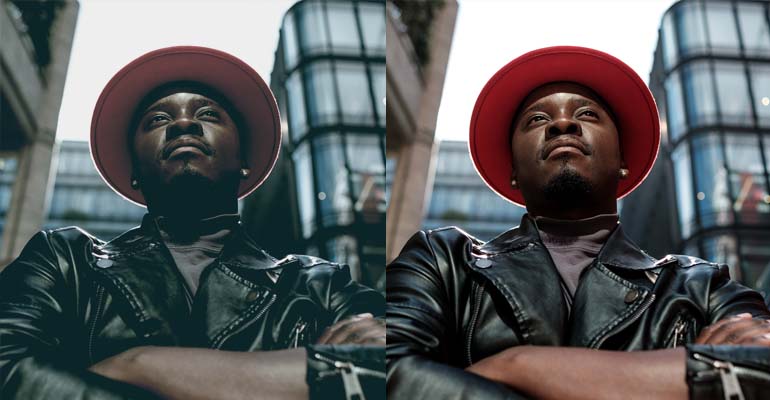
Color Correction

Color Correction

Balance colors and enhance vibrancy.

Learn more
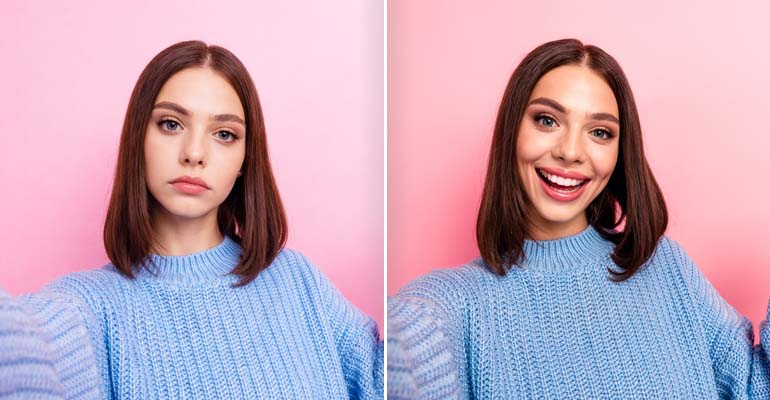
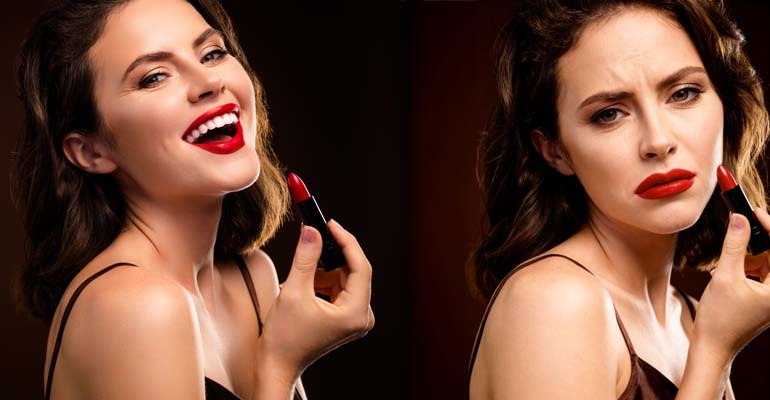
Expression Change

Expression Change

Modify facial expressions naturally.

Learn more
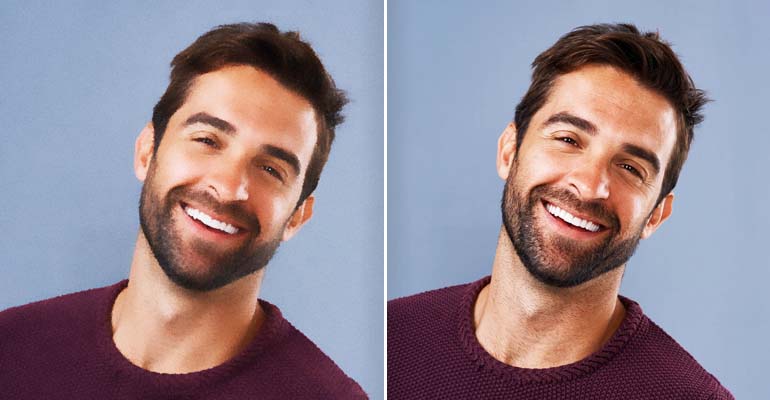
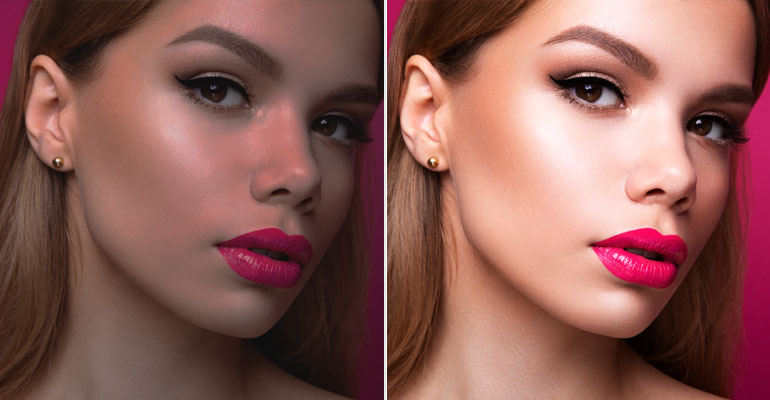
Face Enhancement

Face Enhancement

Beautify and sharpen portrait details.

Learn more
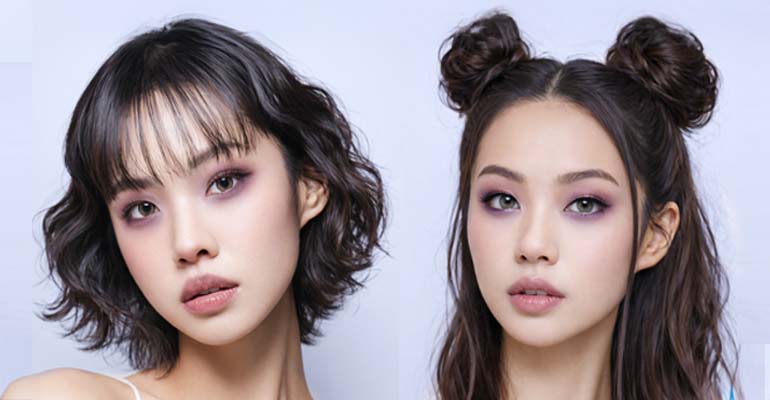
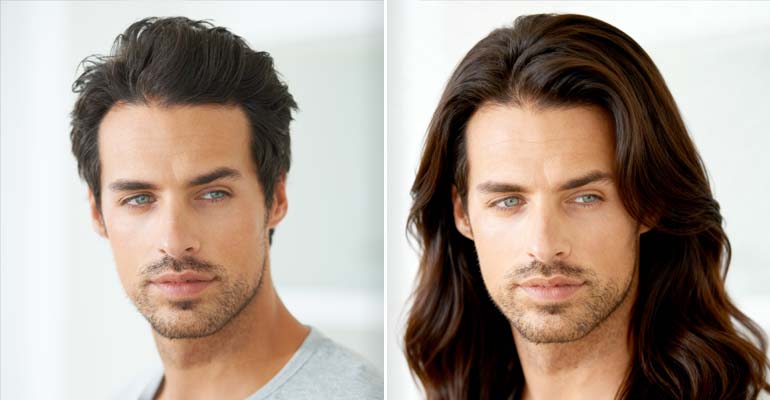
Hair Change

Hair Change

Change hair color and style.

Learn more
Object Removal

Object Removal

Erase unwanted objects from photos.

Learn more
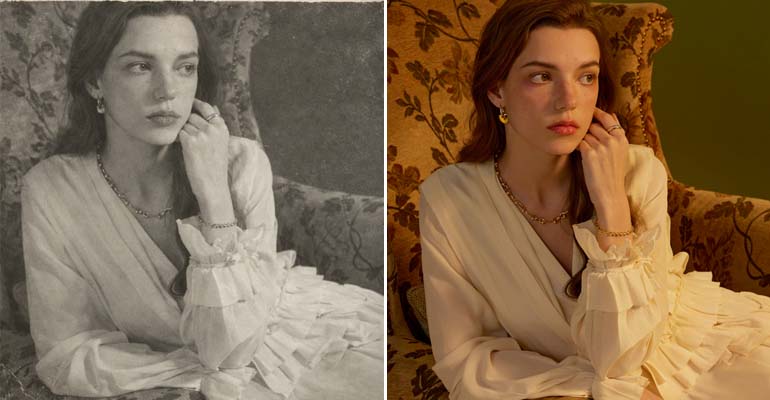
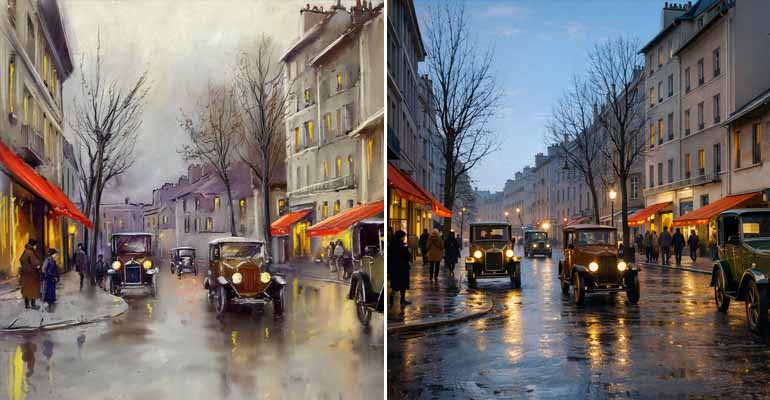
Photo Restoration

Photo Restoration

Repair and colorize vintage photos.

Learn more
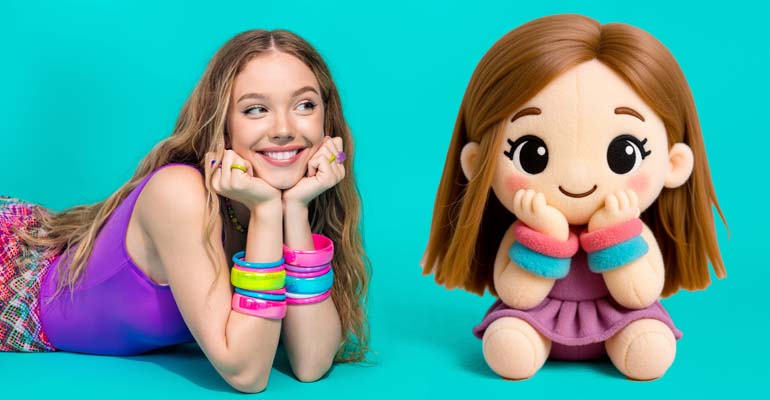
Plushie Style

Plushie Style

Convert subjects into plush toys.

Learn more
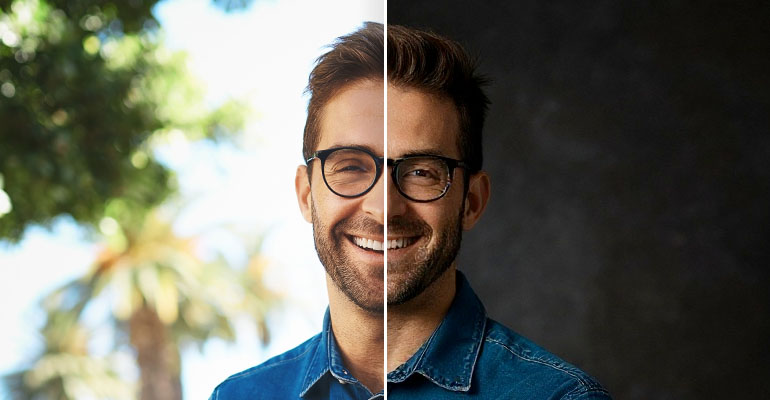
Professional Photo

Professional Photo

Transform selfies into studio portraits.

Learn more
Realism Enhancement

Realism Enhancement

Enhance facial realism and texture.

Learn more
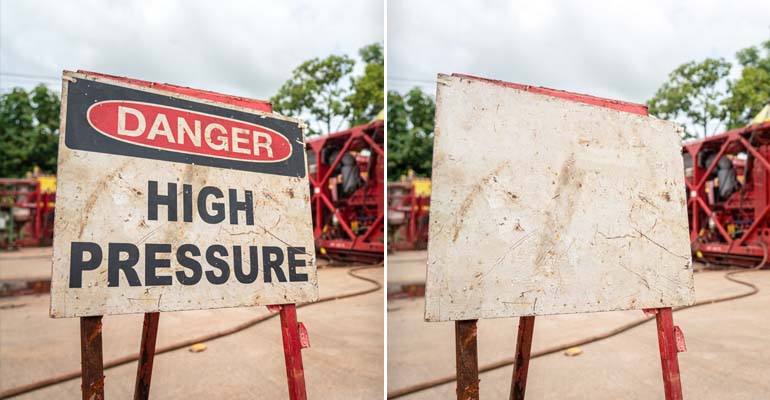
Text Removal

Text Removal

Remove text and watermarks cleanly.

Learn more
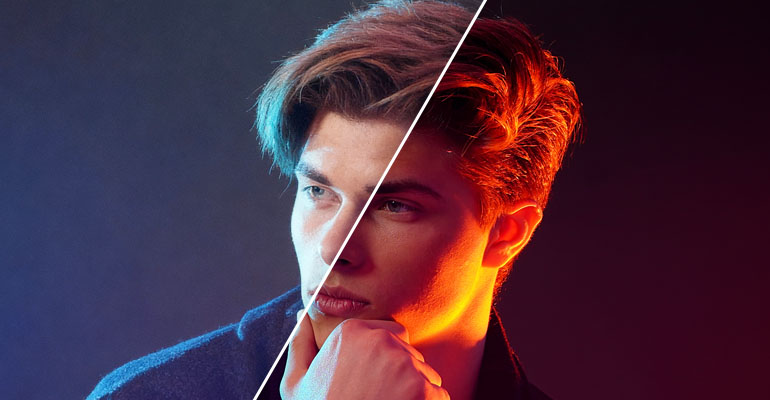
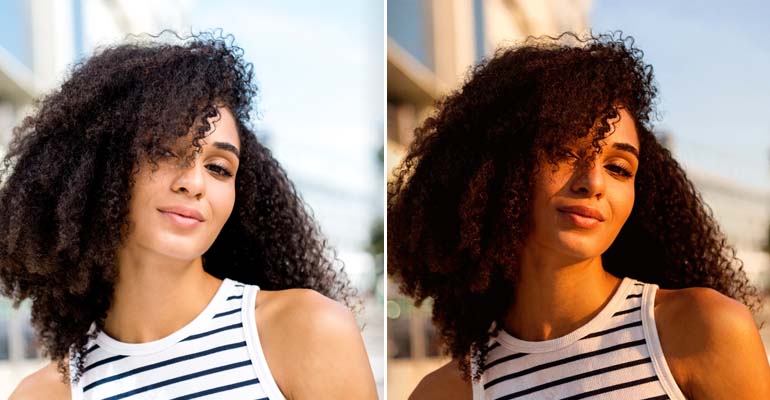
Time of Day Change

Time of Day Change

Change lighting and time effects.

Learn more
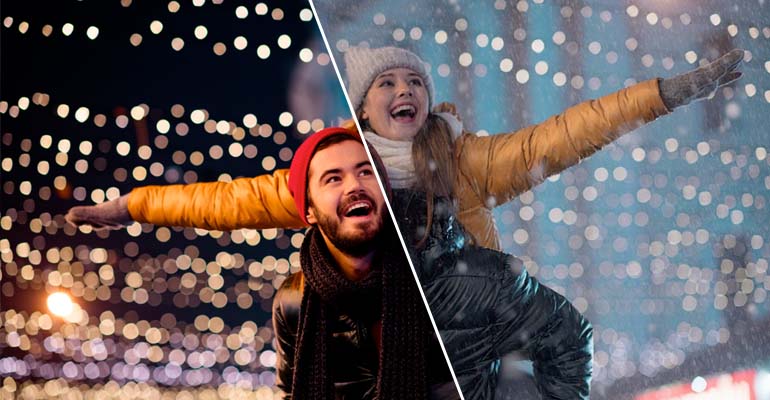
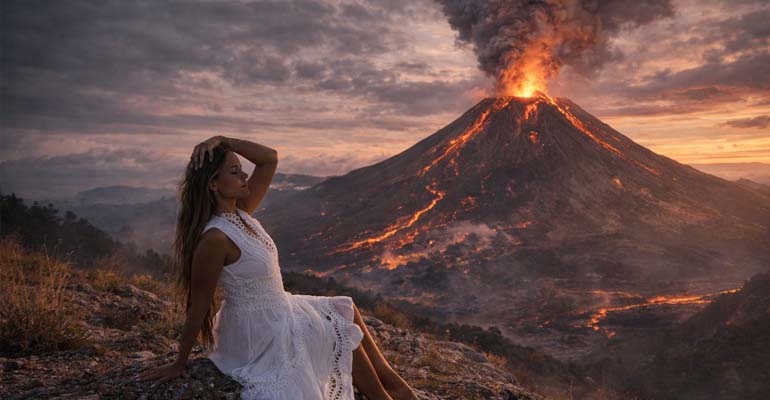
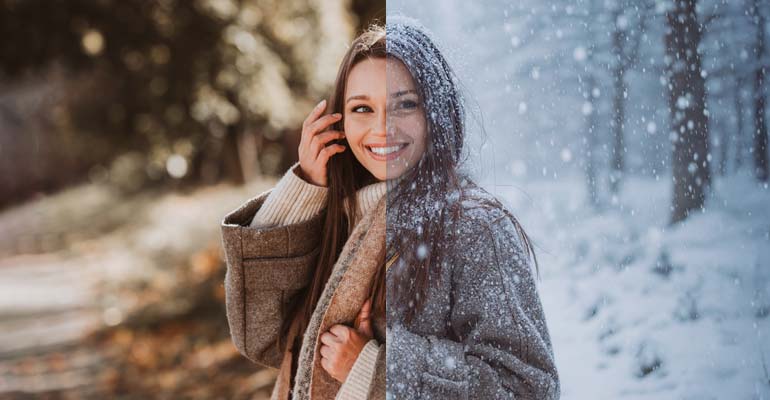
Weather Effect

Weather Effect

Add realistic weather conditions.

Learn more
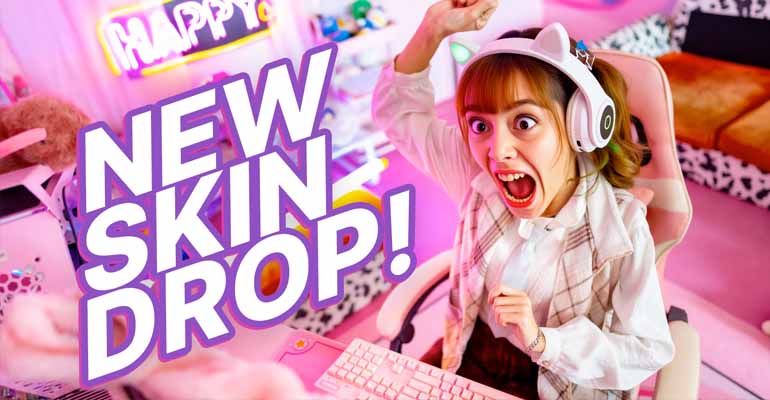
YouTube Thumbnails

YouTube Thumbnails

Create high-CTR YouTube thumbnails.

Learn more
Image to SVG

Image to SVG

Convert images to scalable vectors.

Learn more
Invisible Watermark

Invisible Watermark

Embed hidden digital identifiers.

Learn more
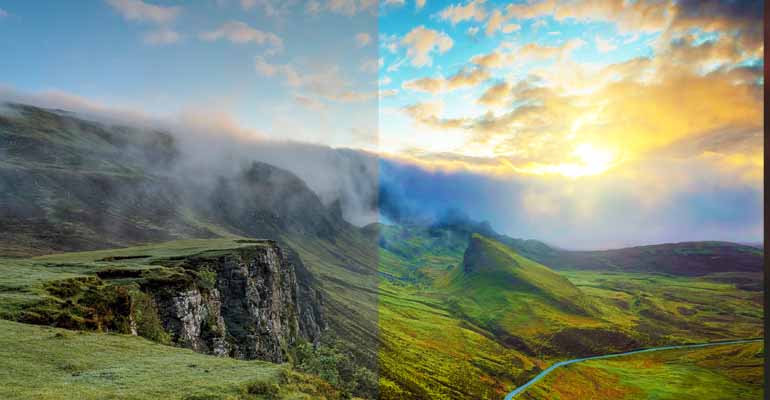
Fog/Haze Removal

Fog/Haze Removal

Clear fog and haze from photos.

Learn more
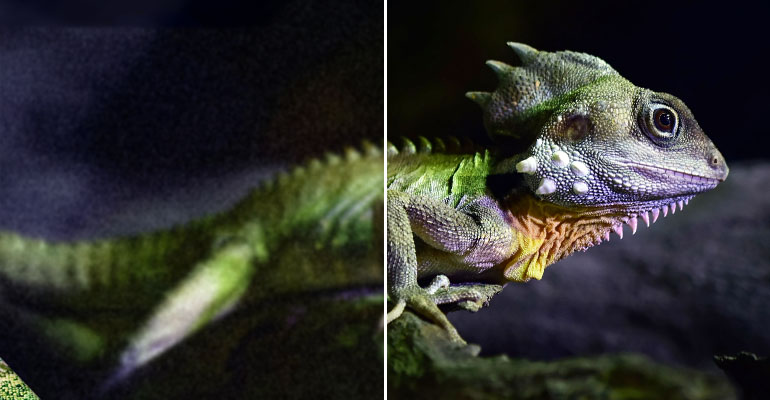
Denoise

Denoise

Remove noise and digital artifacts.

Learn more
Plushify

Plushify

Create realistic plush toy style.

Learn more
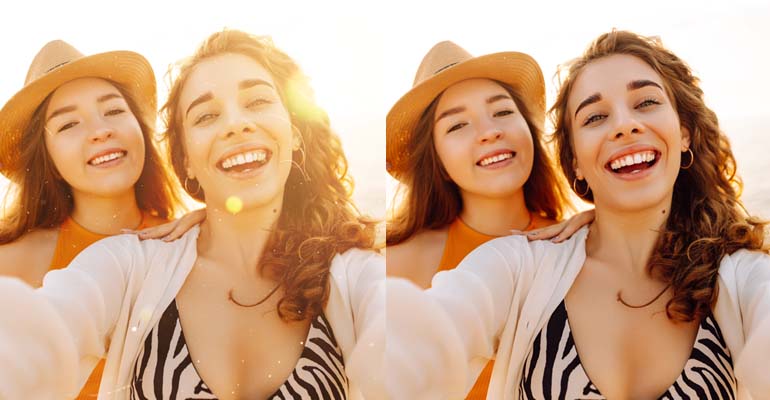
Color Grading

Color Grading

Fine-tune color balance perfectly.

Learn more
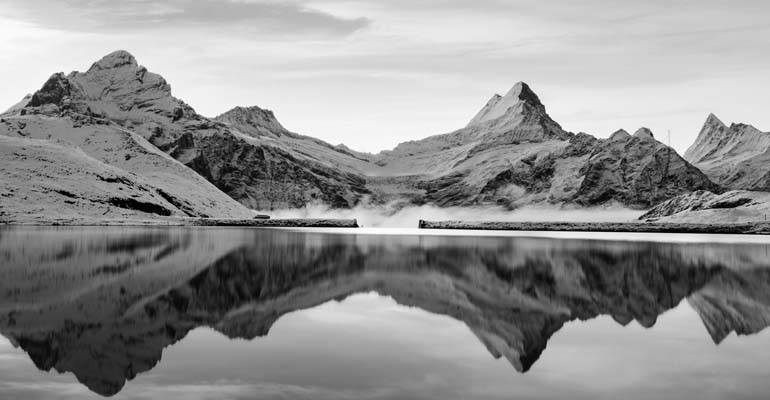
Desaturate/Grayscale

Desaturate/Grayscale

Create grayscale or muted tones.

Learn more
Dodge and Burn

Dodge and Burn

Sculpt lighting with precision.

Learn more
Film Grain

Film Grain

Add authentic film grain texture.

Learn more
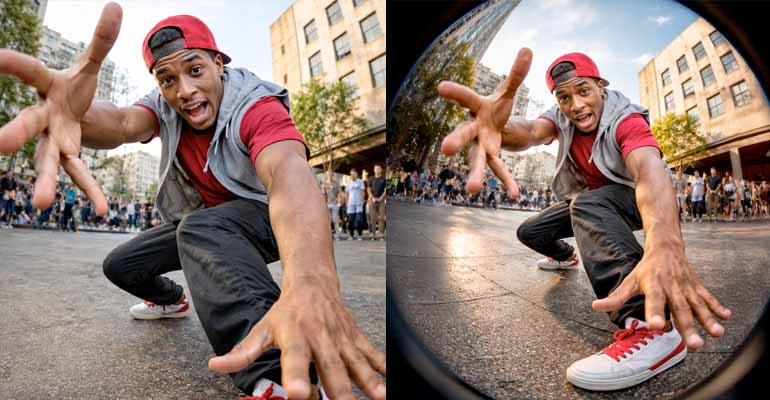
Geometric Distortion

Geometric Distortion

Apply artistic geometric distortion.

Learn more
Sharpen

Sharpen

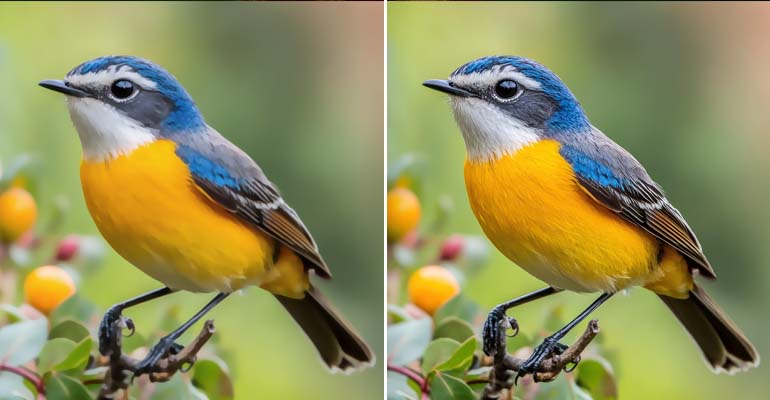
Recover lost detail and clarity.

Learn more
Solarize

Solarize

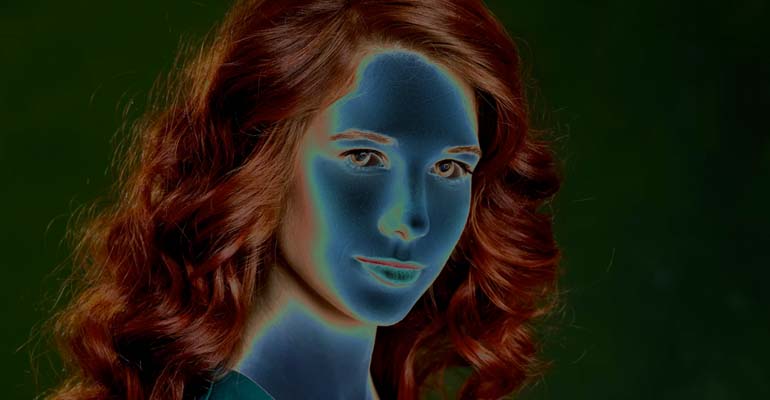
Create surreal high-contrast effects.

Learn more
Vignette

Vignette

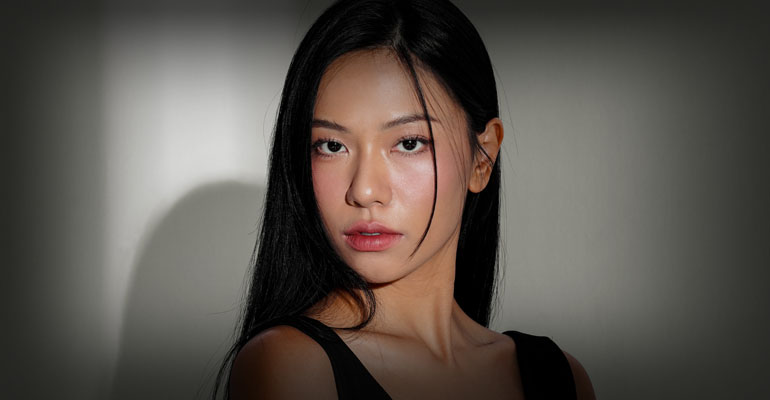
Add cinematic edge darkening.

Learn more
HD Upscaling

HD Upscaling

Upscale to high-definition quality.

Learn more
Vectorize

Vectorize

Transform images into clean SVGs.

Learn more
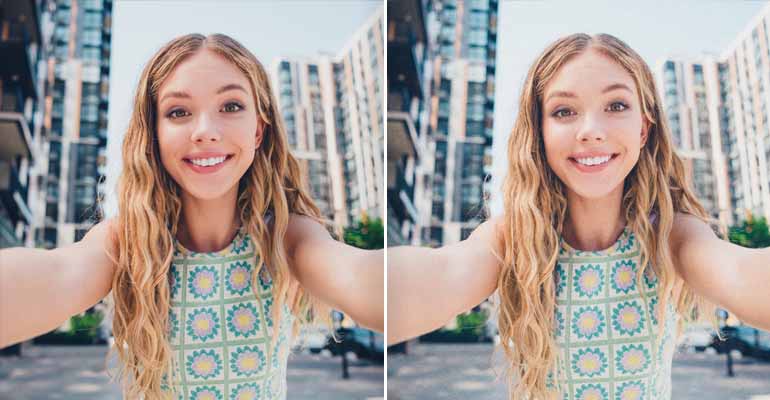
Portrait Retouching

Portrait Retouching

Remove blemishes professionally.

Learn more
Super Resolution

Super Resolution

Upscale with AI reconstruction.

Learn more
Advanced Background Removal

Advanced Background Removal

Remove backgrounds professionally.

Learn more
Generative Upscaling

Generative Upscaling

Intelligently reconstruct fine details.

Learn more
Deblur

Deblur

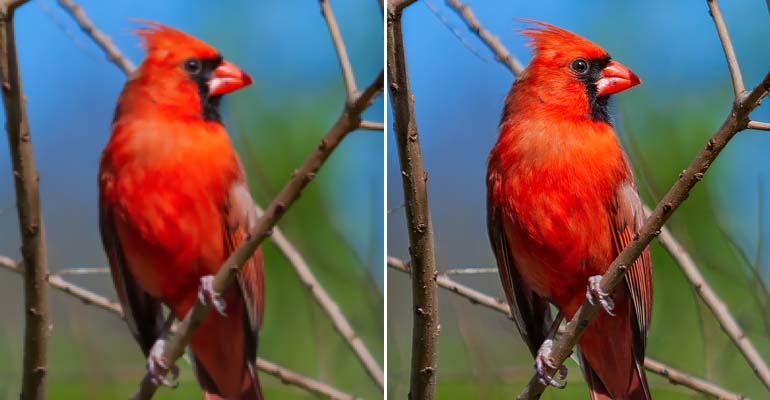
Restore sharpness from blur.

Learn more
All-in-One Post Processing

All-in-One Post Processing

All-in-one photo enhancement suite.

Learn more
General Purpose Image Editing

General Purpose Image Editing

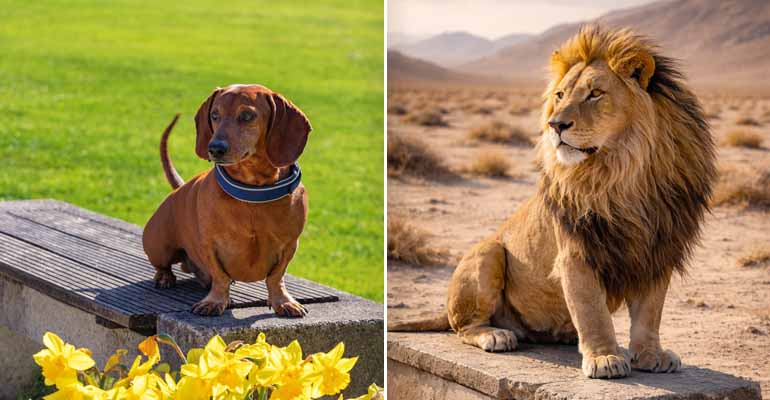
Edit images instantly using simple text prompts.

Learn more

Multiple Image

Multi-Image Processing: There are times when you need more than one image. Multi-image integrations can be used to support workflows such as: virtually trying on clothes; replacing the background of products; blending images together; and other workflows that involve combining or comparing multiple images.

Product Background Replace

Product Background Replace

Place products in professional scenes.

Learn more
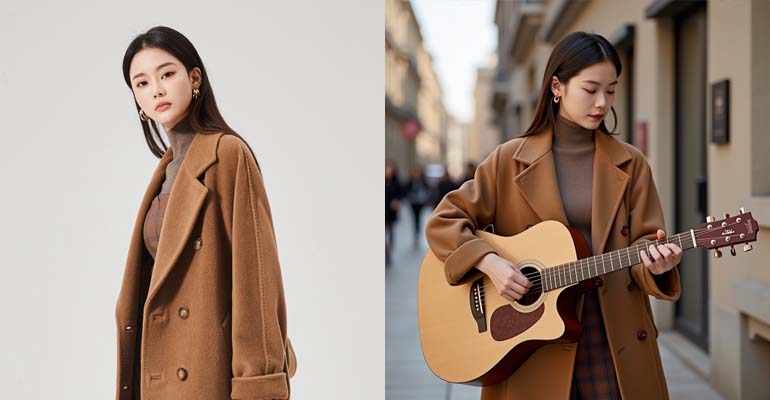
Virtual Clothing Try-On

Virtual Clothing Try-On

See how clothes fit on models.

Learn more
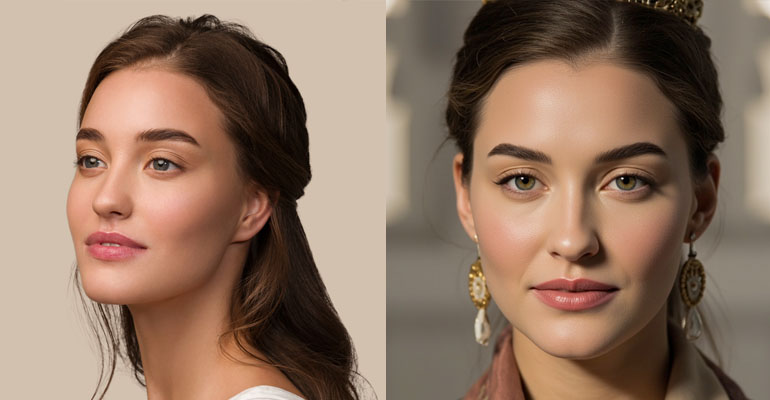
Image Blending

Image Blending

Blend two images smoothly together.

Learn more
Frame Interpolation

Frame Interpolation

Create smooth motion between frames.

Learn more

Prompt Image

Advanced Multimodal Image Editing

Advanced Multimodal Image Editing

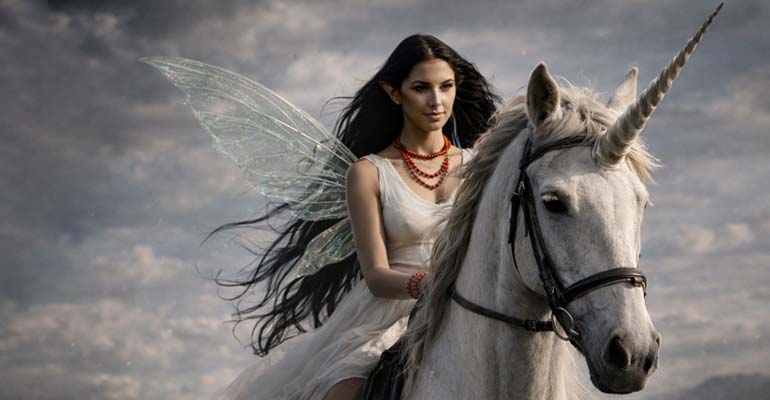
Transform images with natural language.

Learn more
Precision Image Editor

Precision Image Editor

Edit images with precision control.

Learn more
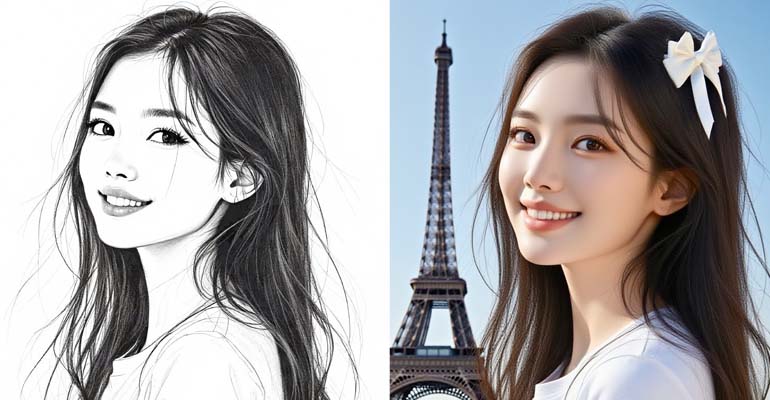
Object Segmentation

Object Segmentation

Isolate objects with text commands.

Learn more
Fast SDXL-Lightning Transformation

Fast SDXL-Lightning Transformation

Fast image transformation at 1024px.

Learn more
Intelligent Object Removal

Intelligent Object Removal

Remove objects with text commands.

Learn more
FLUX.1 Dev Image Transformer

FLUX.1 Dev Image Transformer

Professional image transformation quality.

Learn more
FLUX.1 Krea Photorealistic

FLUX.1 Krea Photorealistic

Eliminate AI look with realism.

Learn more
FLUX General with Controls

FLUX General with Controls

Maximum creative control suite.

Learn more
FLUX RF-Inversion

FLUX RF-Inversion

Precisely edit real photos surgically.

Learn more
FLUX Kontext with LoRA

FLUX Kontext with LoRA

Context-aware intelligent modifications.

Learn more
FLUX.1 Kontext Dev

FLUX.1 Kontext Dev

Edit images with context understanding.

Learn more
FLUX Canny Edge Control

FLUX Canny Edge Control

Preserve edges while reimagining style.

Learn more
FLUX Depth Control

FLUX Depth Control

Preserve 3D structure changing appearance.

Learn more
FLUX LoRA Image-to-Image

FLUX LoRA Image-to-Image

Combine structure with custom styles.

Learn more
FLUX.1 Kontext Pro

FLUX.1 Kontext Pro

Surgical editing with character consistency.

Learn more
FLUX.1 Kontext Max

FLUX.1 Kontext Max

Ultimate precision and quality editing.

Learn more
FLUX Dev Standard

FLUX Dev Standard

Balanced quality and prompt adherence.

Learn more
FLUX Krea Standard

FLUX Krea Standard

Natural photorealistic transformations.

Learn more
Gemini Multimodal Editor

Gemini Multimodal Editor

Fast character-consistent transformations.

Learn more
HiDream-i1 Full

HiDream-i1 Full

Elite 17B parameter transformation.

Learn more
Professional Relighting

Professional Relighting

Realistic lighting and background integration.

Learn more
Ideogram V2 Remix

Ideogram V2 Remix

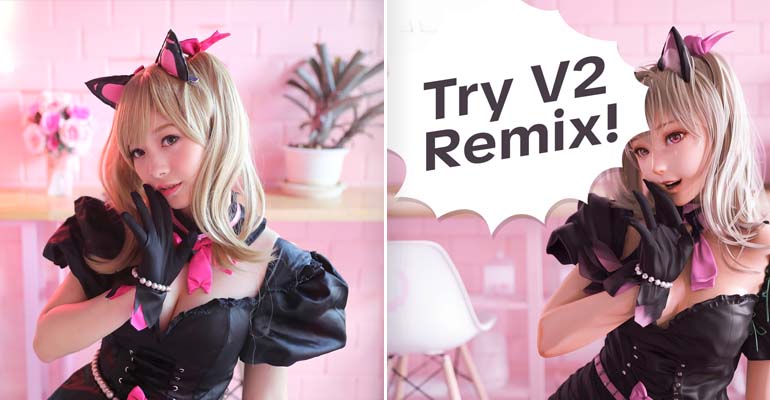
Evolve designs with perfect typography.

Learn more
Ideogram V2 Turbo Remix

Ideogram V2 Turbo Remix

Fast typography-focused iterations.

Learn more
Ideogram V2a Remix

Ideogram V2a Remix

Balanced typography and creative control.

Learn more
Ideogram V2a Turbo Remix

Ideogram V2a Turbo Remix

Rapid transformation with typography.

Learn more
Ideogram V3 Remix

Ideogram V3 Remix

Balance composition with creative changes.

Learn more
Ideogram V3 Background Replace

Ideogram V3 Background Replace

Auto-detect subject and replace background.

Learn more
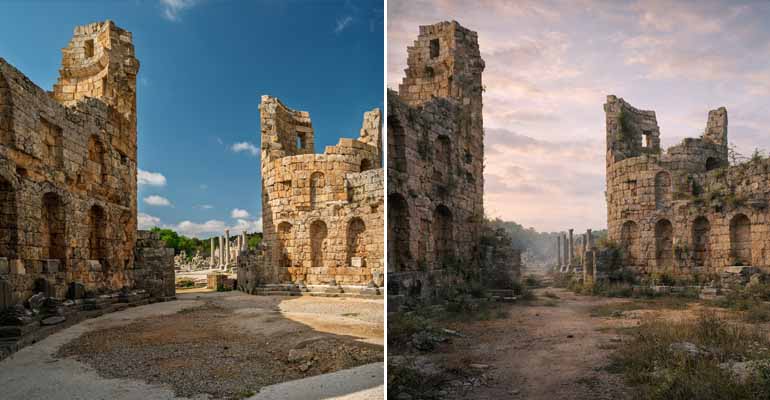
Age Progression

Age Progression

Visualize aging transformations realistically.

Learn more
Background Change

Background Change

Replace backgrounds with realistic lighting.

Learn more
Expression Change

Expression Change

Modify facial expressions naturally.

Learn more
Hair Change

Hair Change

Transform hair color and style.

Learn more
Object Removal

Object Removal

Remove objects and reconstruct background.

Learn more
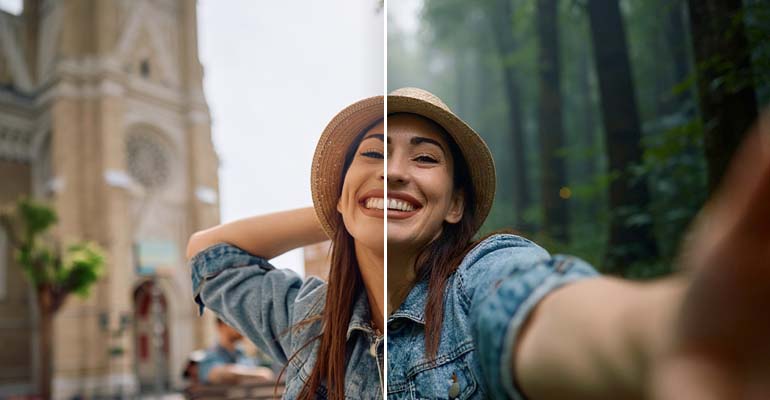
Scene Composition

Scene Composition

Place subjects in new environments.

Learn more
Time of Day Change

Time of Day Change

Adjust lighting for different times.

Learn more
Weather Effect

Weather Effect

Add realistic weather conditions.

Learn more
YouTube Thumbnails

YouTube Thumbnails

Create high-impact video thumbnails.

Learn more
Instant Character

Instant Character

Maintain character identity across scenes.

Learn more
Kolors Image-to-Image

Kolors Image-to-Image

High-fidelity photorealistic transformation.

Learn more
MiniMax Character Consistency

MiniMax Character Consistency

Lock character identity across images.

Learn more
Recraft V3 Image-to-Image

Recraft V3 Image-to-Image

Professional vector art with typography.

Learn more
Stable Diffusion V3 Medium

Stable Diffusion V3 Medium

Enhanced quality and spatial reasoning.

Learn more
Juggernaut FLUX Base

Juggernaut FLUX Base

Improved details and color depth.

Learn more
Juggernaut FLUX Pro

Juggernaut FLUX Pro

Extreme realism for professional photos.

Learn more
Clarity Upscaler

Clarity Upscaler

Upscale with intelligent detail reconstruction.

Learn more
FLUX Krea LoRA

FLUX Krea LoRA

Krea aesthetics with custom styles.

Learn more

Audio To Audio

Audio Isolation / Voice Extraction

Audio Isolation / Voice Extraction

Extract clean voice from noisy audio.

Learn more

Speech To Speech

Voice Transformation / Speech-to-Speech

Voice Transformation / Speech-to-Speech

Transform voice while preserving content.

Learn more

Speech To Text

Speech-Voice to Text processing: You do not have to build your own speech processing infrastructure to add voice-powered functionality. Integrations can provide functionality such as: transcribing speech to text; transcribing speech in multiple languages; transcribing speech in real-time; transforming speech to speech; and other voice-driven experiences.

Advanced Speech-to-Text Transcription

Advanced Speech-to-Text Transcription

Transcribe speech with speaker identification.

Learn more
Multilingual Speech Transcription & Translation

Multilingual Speech Transcription & Translation

Transcribe 100+ languages with translation.

Learn more
Simple Whisper Transcription

Simple Whisper Transcription

Simple audio-to-text conversion.

Learn more
Real-Time Speech-to-Text

Real-Time Speech-to-Text

Rapid live transcription processing.

Learn more
Turbo Real-Time Speech-to-Text

Turbo Real-Time Speech-to-Text

Ultra-fast real-time transcription.

Learn more

Text To Speech

Text-to-Speech & Audio: You can convert text to natural sounding speech or produce other types of audio experiences. These capabilities can be used for: accessibility; narration; assistants; educational applications; content creation; entertainment; and voice-enabled interfaces.

Text-to-Speech American English

Text-to-Speech (American English)

Fast American English speech synthesis.

Learn more
Text-to-Music Generation

Text-to-Music Generation

Generate 30-second instrumental music.

Learn more
Sound Effects Generation

Sound Effects Generation

Create custom sounds and foley effects.

Learn more
Drum Loop & Beat Generation

Drum Loop & Beat Generation

Generate loopable drum patterns and beats.

Learn more
Extended Music Generation

Extended Music Generation

Create up to 3+ minutes of music.

Learn more

Text To Audio

Fast Text-to-Speech MiniMax 2.6 Turbo

Fast Text-to-Speech (MiniMax 2.6 Turbo)

Speed-optimized TTS with low latency.

Learn more
High-Quality Multilingual TTS MiniMax 2.6 HD

High-Quality Multilingual TTS (MiniMax 2.6 HD)

Broadcast-quality voice in 40+ languages.

Learn more
Character Voice TTS Kling

Character Voice TTS (Kling)

Gaming and anime character voices.

Learn more
Stable TTS HD MiniMax 2.5

Stable TTS HD (MiniMax 2.5)

Stable high-quality multilingual TTS.

Learn more
Stable Fast TTS MiniMax 2.5 Turbo

Stable Fast TTS (MiniMax 2.5 Turbo)

Stable fast TTS at lower cost.

Learn more
Legacy Fast TTS MiniMax 0.2 Turbo

Legacy Fast TTS (MiniMax 0.2 Turbo)

Legacy fast TTS for compatibility.

Learn more
Legacy HD TTS MiniMax 0.2 HD

Legacy HD TTS (MiniMax 0.2 HD)

Legacy high-quality TTS version.

Learn more

Text To Text

AI Text Processing Integrations that process text-to-text can assist applications in understanding; transforming; summarizing; classifying; or producing text. They can serve as the foundation for building AI assistants; intelligent search; customer support; content workflows; productivity tools; and other AI-powered application features.

AI Text Processing

AI Text Processing

Process text input and generate AI-powered responses.

Learn more

Frequently Asked Questions

Everything you need to know about testing with LastApp.ai Integrations.

What are LastApp.ai Integrations?
LastApp.ai Integrations allow you to add powerful features to your app without having to develop each feature from scratch. You can either connect supported services using Connectors or configure pre-built integrations using your own credentials, depending on the type of integration.
Do I have to write code to use LastApp.ai Integrations?
No. LastApp.ai was created to simplify the integration process by eliminating the need to manually create complex API connections or integration code.
What types of integrations are available?
LastApp.ai has a growing number of AI-powered integrations in various categories including:
  • Image-to-image
  • Multiple-image processing
  • Prompt-based image editing
  • Audio-to-audio
  • Speech-to-speech
  • Speech-to-text
  • Text-to-speech
  • Text-to-audio
  • Text-to-text
These integrations can enable you to quickly incorporate advanced media and AI functionality into your app.
What is the difference between a Connector and a manual integration?
Connectors are designed to provide a simple way to connect supported tools and services with minimal configuration. For any supported manual integrations, you can configure the integration using your own credentials. This provides you with flexibility based upon the service you wish to utilize and how you wish to manage the connection. You will need to manually modify your source code and / or may have to use the LastApp CoPilot team to help make the changes for you.
Do I need my own API credentials?
It depends on the integration. Some integrations can be connected via LastApp Connectors, while pre-built manual integrations may require credentials from the third-party service provider. LastApp Copilot can guide you through the correct configuration for the integration you choose.
Can I add AI image capabilities to my app?
Yes. LastApp.ai provides many different types of image capabilities including image upscaling, background removal and replacement, object detection, photo restoration, image editing, object removal, image transformation, portrait enhancement, and more.
Can I add voice and speech features to my app?
Yes. Integrations available include speech-to-text, text-to-speech, speech-to-speech, voice transformation, multilingual transcription, and real-time transcription capabilities. These can be beneficial for apps that require voice input, transcription, accessibility features, conversational experiences, or audio-based workflows.
Can LastApp.ai add text-based AI to my app?
Yes. LastApp.ai contains AI text-processing capabilities that can accept text input and produce AI-generated responses. These can be utilized as a foundational element for features such as assistants, content processing, intelligent workflows, and other text-based experiences.
Can I search for a specific integration?
Yes. The Integrations page contains search and category filtering so you can quickly locate capabilities relevant to your app instead of scrolling through the entire catalog.
Can I use integrations in an app I am currently building with LastApp.ai?
LastApp.ai Integrations are intended to assist you in expanding the functionality of your app as your needs change. You can review the integration catalog and select capabilities that align with the experience you are creating.
What if I don't see the integration I need?
The LastApp.ai integration catalog is continuously expanding. If you are unable to find the capability or service you require, please contact the LastApp team to discuss your needs and potential integration options.
Why use LastApp.ai Integrations instead of developing API integrations myself?
Traditional integrations can involve API research, authentication configuration, custom development, testing, and ongoing maintenance. LastApp.ai reduces that complexity with ready-to-use Connectors and pre-built integration options, allowing you to concentrate on what your app should accomplish rather than how every integration should be implemented.